🧠 Complete Syntax Reference
📌 Headings
H1
H2
H3
H4
H5
H6
📌 Text Formatting
Bold
Italic
Bold + Italic
Strikethrough
Inline code
Highlighted text
Escaping Markdown:
*Not Italic*
# Not a heading
📌 Lists
Unordered
- Item 1
- Item 2
- Sub item
Ordered
- Item 1
- Item 2 3. Sub item
Task Lists
- Task not done
- Task done
📌 Checkboxes with Priority (Visual Hack)
- 🔴 High priority
- 🟡 Medium priority
- 🟢 Low priority
📌 Links
External Link
Internal Note Link
Alias
Heading Link
Block Reference
📌 Images
Local Image

Local with Size
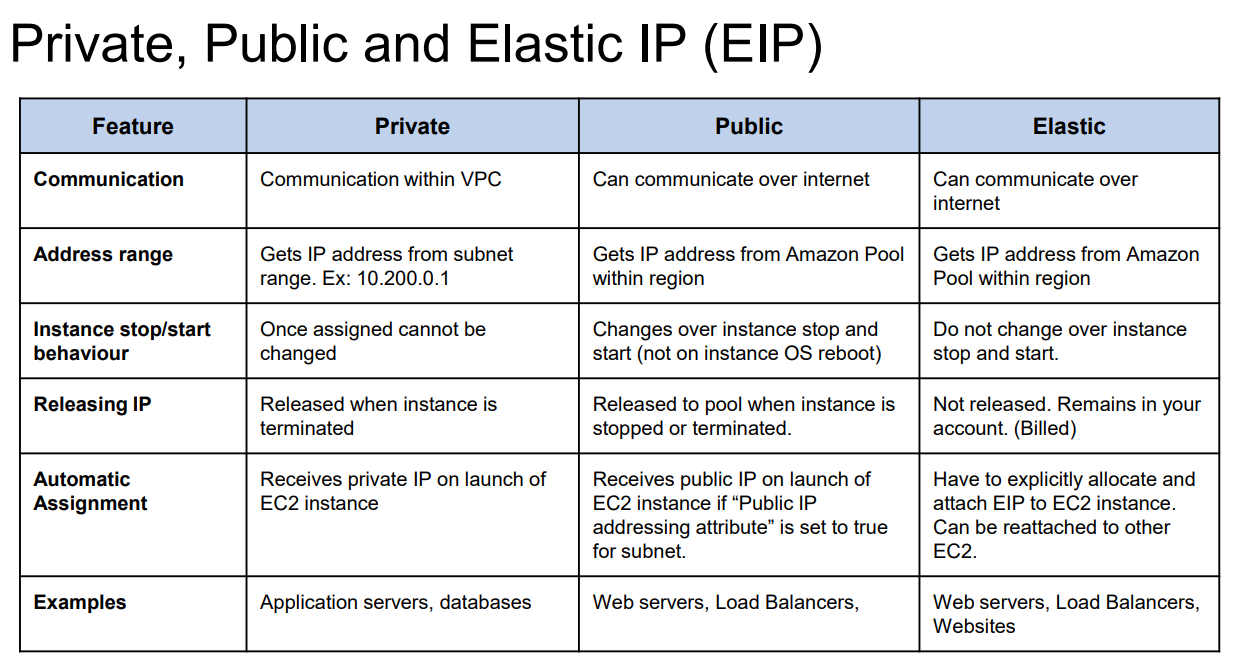
External Image

📌 Quotes
This is a quote
Nested quote
📌 Callouts (Admonitions)
Note
This is a note
Info
Information callout
Expandable Tip
Line 1
Line 2
Success
Success message
⚠️ Important
Warning message
Danger
Error / Danger message
Question
Question callout
Example
Example content
Abstract
TL;DR summary
Bug
Bug / Issue
Todo
Task reminder
Failure
Failure notice
📌 Code Blocks
terraform init
terraform planprint("Hello Word")📌 Tables
| Tool | Purpose |
|---|---|
| Notes | Knowledge base |
| Site | Static site |
📌 Horizontal Rules
📌 Comments (Not Rendered)
📌 Tags
tag #aws/terraform #learning/Notes
📌 Mermaid Diagrams
Flowchart
flowchart TD
  A[Start] --> B[Process]
  B --> C[End]
Sequence Diagram
sequenceDiagram
  User->>Notes: Write notes
  Notes->>Brain: Build site
Gantt
gantt
  title Learning Plan
  section Notes
  Basics :done, 2025-01-01, 3d
  Advanced :active, 2025-01-04, 5d
📌 Math (LaTeX)
Inline math:
Block math:
📌 Embeds (Transclusion)
Embed Note
Transclude of Another-Note
Embed Section
Circular transclusion detected: Another-Note
Embed Block
Transclude of Another-Note^block-id
📌 Block IDs
Create a block ID: This paragraph has a block ID
Reference it: ^my-block-id
Embed it:
Circular transclusion detected: 🙋♂️-Om/📃Notes/All-Syntax-in-One-File
📌 Same-Note Heading Embed
Circular transclusion detected: 🙋♂️-Om/📃Notes/All-Syntax-in-One-File
📌 HTML Support
📌 Daily Notes
📌 Emoji Support
✔ 📌 💡 ⚠️ 🚀 🔥 🧠
📌 Keyboard Shortcuts (Examples)
- Ctrl + B → Bold
- Ctrl + I → Italic
- Ctrl + E → Inline code
📌 Backlinks
Backlinks are automatically shown in Notes’s backlink panel.
📌 Folder Notes
- Folder note:
FolderName.md - Acts as default note for folder
📌 Footnotes
This sentence has a footnote1
Footnotes
-
This is the footnote text ↩