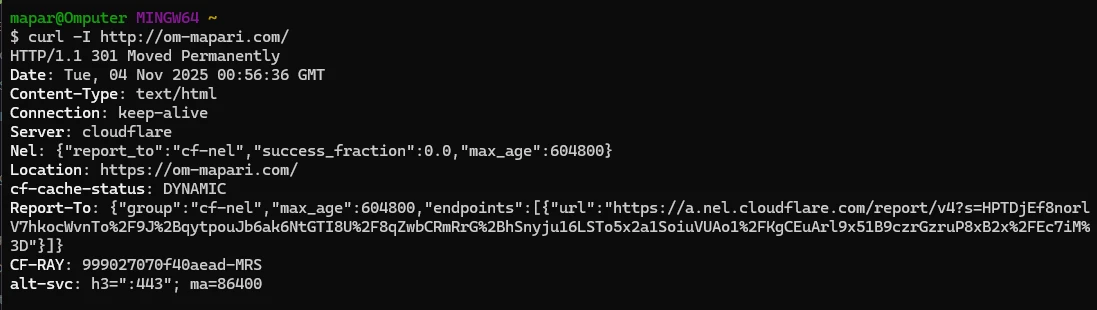
“Let’s see what happens when I open
https://www.google.comin my browser. Behind the scenes, multiple networking layers work together.”
2️⃣ Step 2: DNS Lookup — (Application Layer)
Command:
nslookup om-mapari.com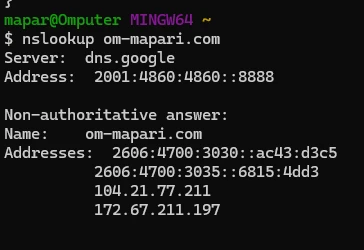
3️⃣ Step 3: Connectivity Check — (Network Layer / ICMP)
Command:
ping www.google.com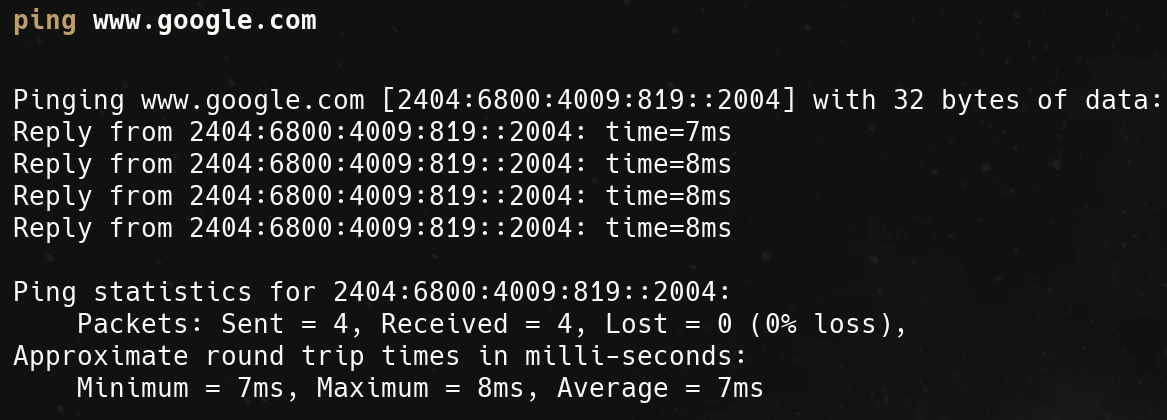
4️⃣ Step 4: Route Discovery — (Network Layer / Routing)
Command:
tracert www.google.com-
Shows all the routers/hops between you and Google.
-
Each hop = a device (router) your packet crosses.
-
Sometimes you’ll see private IPs (like
192.168.x.x) — that’s your internal network.
💡 Relate to OSI Layers: Routers operate at Layer 3 (Network) — they forward packets based on IP.
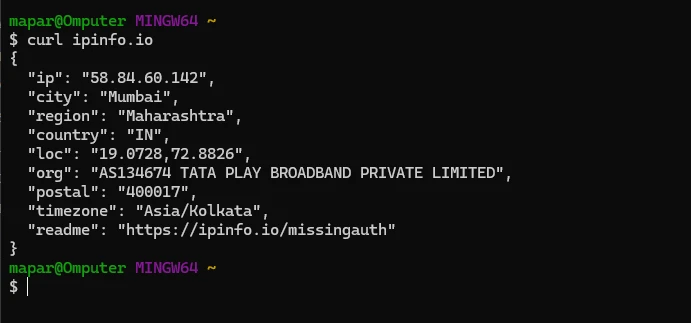
C:\Users\mapar>curl -I https://om-mapari.com/