Amazon RDS (Relational Database Service)
Introduction
- ✔ Amazon RDS is a managed relational database service by AWS.
- ✔ Simplifies database setup, operation, and storage auto-scaling.
- ✔ Supports engines: MySQL, PostgreSQL, MariaDB, Oracle, SQL Server, and Amazon Aurora.
Key Features
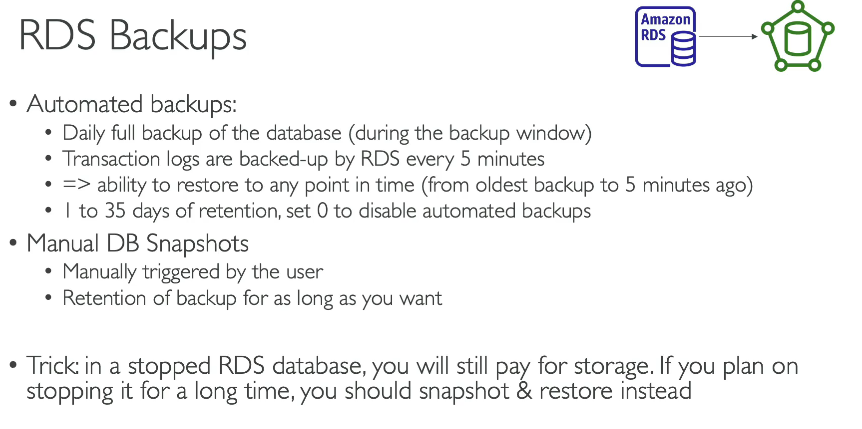
- 📌 Automated Backups – Automatically backs up DB and transaction logs.
- 📌 Read Replicas – Enhance read performance and scalability.
- 📌 Automated Patching – Keeps DB engine and OS secure and updated.
- 📌 Monitoring & Metrics – Integrated with Amazon CloudWatch.
Storage Options
- ✔ gp2 / gp3 (General Purpose SSD) – Balanced performance.
- ✔ io1 / io2 (Provisioned IOPS SSD) – High-performance for heavy workloads.
- ✔ Magnetic (Standard) – ❌ Legacy, not recommended for new apps.
Security
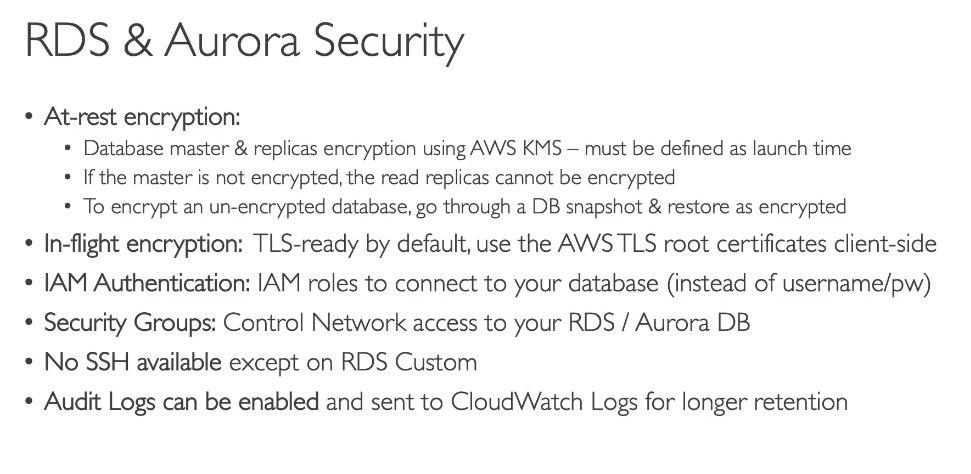
- 📌 Encryption at rest using KMS.
- 📌 Encryption in transit using SSL/TLS.
- 📌 Authentication via IAM or native user credentials.
Amazon RDS Read Replicas – For Read Scalability
Overview
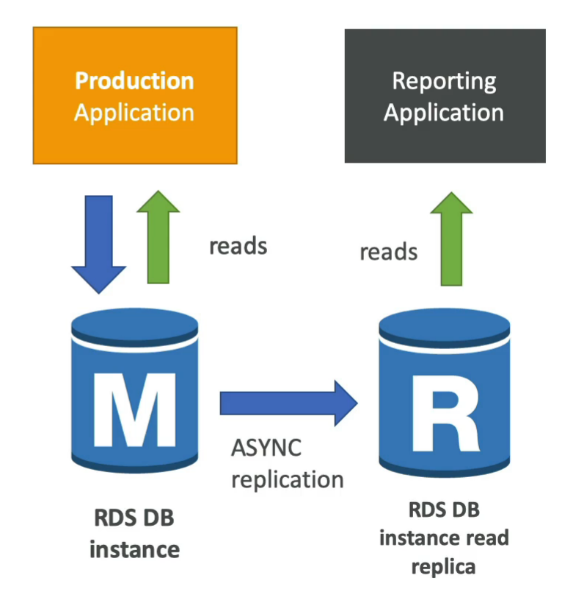
- ✔ Create read-only copies of your RDS database.
- ✔ Uses asynchronous replication from the primary DB. (no downtime)
- 📌 Helps offload read traffic and improves performance.
Use Cases
- ✔ Support BI tools, reporting apps, or read-heavy workloads.
- 📌 Replicas can be → within Az, Cross Az or Cross Region
- Same region → ✅ No data transfer cost.
- Cross-region → ⚠️ Network cost applies.
- ✔ Replica can be promoted to their own DB
Key Differences: Read Replica vs Multi-AZ
| Feature | Read Replica | Multi-AZ |
|---|---|---|
| Purpose | Read scalability / improve reads | High availability / Disaster recovery |
| Replication Type | Asynchronous (may lag if reading from) | Synchronous |
| Read Access | ✅ Yes (read-only) | ❌ No (standby only) |
| Failover | Manual promotion to primary DB | ✅ Automatic (single DNS name) |
💡 Pro Tip: The Read Replicas can be setup as Multi AZ for Disaster Recovery (DR)
Short Downtime (Single-AZ → Multi-AZ)
- 🛠️ Modify the DB instance. Click Create a standby instance
- Short downtime during the switchover. Typically a few minutes, took 7 min
- How it Works?
- Taking a snapshot of main DB
- Restoring new DB from snapshot to a new AZ
- Sync is established between two DB
Same for Aurora - just you can’t disable the automated snapshot
Can be used for Migration